Using online payment apps is convenient, but it also brings risks if you don’t apply safety measures. PayPal app security is designed to protect your transactions, but user actions play an important role too.
Many people overlook simple steps that can block hackers and unauthorized access. This guide explains five proven ways to keep your PayPal account and funds secure after downloading the app.
5 Methods to Protect Your Money After Downloading
Understanding how PayPal safeguards your data helps you manage your account better. Below are the five most effective ways to keep your money safe after installing the PayPal app. Each step focuses on user control and preventive action.
1. Use Strong and Unique Passwords
A password is your first line of defense. Weak or reused combinations can easily be guessed or hacked.
Always create a unique password that includes symbols and avoids personal details. Change it every few months to prevent potential data breaches.
How to Create a Strong Password
Follow these key steps to make your password harder to crack and easier to manage.
- Combine uppercase and lowercase letters with numbers and symbols.
- Avoid using names, birthdays, or simple patterns like “12345.”
- Use a password manager such as 1Password or Bitwarden to store complex passwords safely.
- Update your password immediately if you suspect any unusual activity.
2. Enable Two-Factor Authentication (2FA)
Security becomes stronger when there’s an additional verification step. Two-Factor Authentication (2FA) adds a code requirement after your password.
This prevents unauthorized access even if your password is stolen. Activating this setting significantly reduces your risk of fraud.
Setting Up 2FA on PayPal
Adding 2FA takes only a few seconds and offers huge benefits.
- Go to Settings in your PayPal account and select Security, or visit PayPal’s official help page.
- Choose 2-Step Verification and link it to your mobile number or authenticator app.
- Confirm the code sent to your phone or generated in your app.
- Keep your recovery methods up to date for emergency access.
3. Keep Your App and Device Updated
Updates often contain patches that fix security flaws and vulnerabilities. Ignoring them leaves your PayPal app open to new hacking methods.
Enable automatic updates on both your phone and PayPal to stay protected. Also, download the app only from trusted sources like Google Play or the Apple App Store.
Why Updates Are Crucial?
Keeping your app and device updated maintains consistent protection.
- Developers constantly improve encryption and security protocols.
- Old versions may have bugs that hackers exploit.
- Automatic updates ensure you always have the latest defense features.
Using unofficial versions can expose your account to malware.
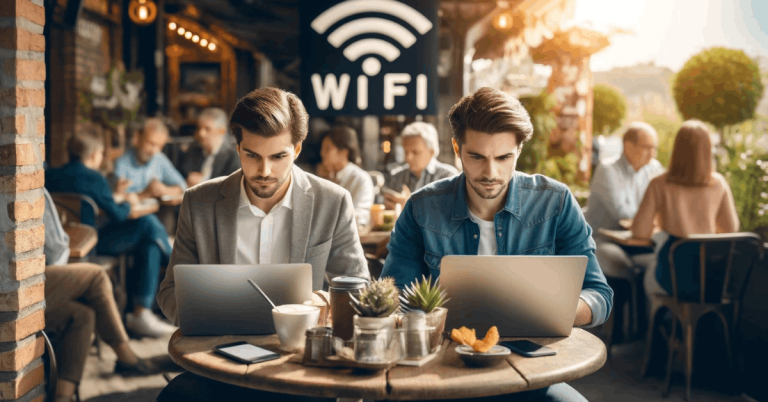
4. Avoid Public Wi-Fi and Use Secure Networks
Public Wi-Fi is convenient but unsafe for online banking or payment apps. Hackers can easily intercept unencrypted data from shared connections.
Always use a private network when accessing PayPal. If you need to log in outside, use mobile data or a VPN for safer browsing.
Safe Connection Practices
Here’s how you can ensure your PayPal connection remains private and secure.
- Avoid connecting to free Wi-Fi networks when making payments.
- Use a reliable VPN to encrypt your data traffic.
- Disconnect immediately if the network behaves suspiciously.
- Refrain from saving your login details on shared or public devices.
5. Monitor Your Account Regularly
Regular monitoring helps you detect unauthorized activity early. PayPal allows you to review transaction history and set up alerts for every login or transfer.
Check your account at least once a week to stay informed. If something looks off, act fast by reporting it to PayPal’s Resolution Center.
Best Monitoring Habits
These steps will help you identify fraud before it causes damage.
- Turn on email and app notifications for every transaction.
- Review payment history for small or unexpected charges.
- Report suspicious activity through the PayPal Security Center.
- Remove linked cards or devices you no longer use.
Bonus: Advanced Security Tips
Advanced users can add more layers of protection to their PayPal app. These small actions make a major difference in keeping your data secure.
Biometric and Device Controls
Biometric security offers faster and stronger login protection.
- Enable fingerprint or face recognition for app access.
- Disable access on unused devices immediately.
- Always lock your screen with a passcode or biometric security.
Recognize Phishing Attempts
Phishing is one of the most common online threats for PayPal users.
- Avoid clicking on links from suspicious emails pretending to be PayPal.
- Check the official sender address carefully.
- Never enter your credentials on pop-up or redirected pages.
Common Threats to PayPal Users
Hackers target popular payment platforms with different techniques. Understanding these threats helps you avoid becoming a victim.
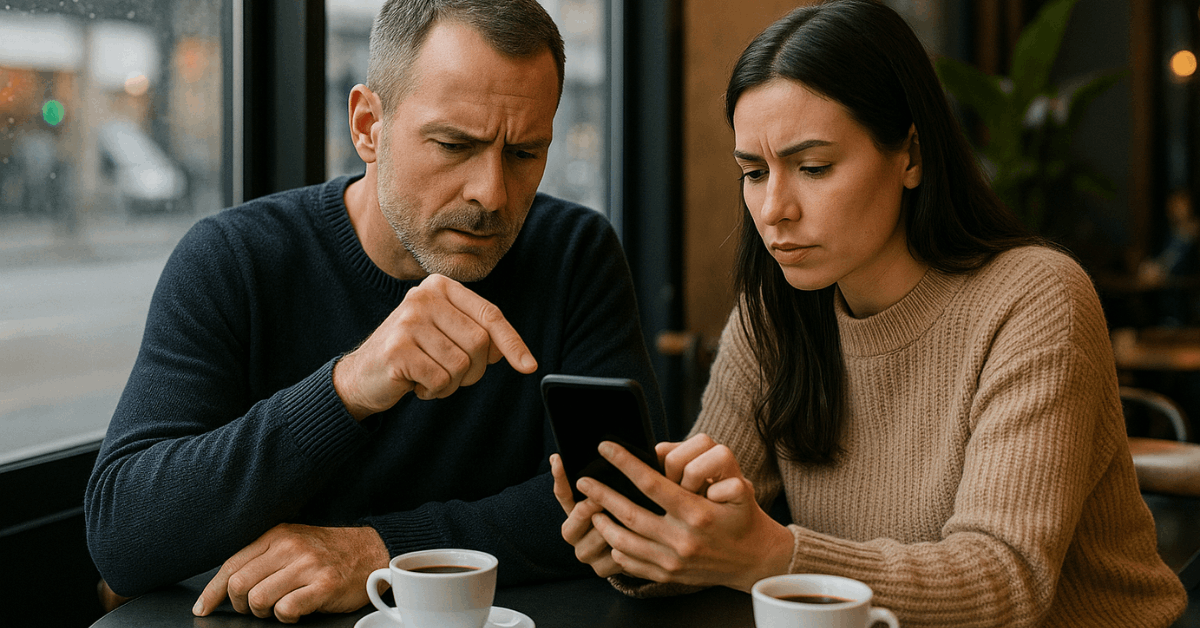
Phishing and Spoofing
These are fake messages designed to steal your credentials. Always confirm the website’s address before logging in.
Malware Attacks
Infected devices can record your keystrokes or capture screenshots. Keep your antivirus software active and updated.
Fake Apps
Only download the official PayPal app from verified app stores. Fake versions may contain spyware or viruses.
How PayPal Protects You?
PayPal provides a strong protection system to keep your account and funds secure. The following points explain how it works and what steps ensure continued reliability.
1. Real-Time Transaction Monitoring
PayPal tracks millions of transactions daily to detect unusual behavior. Its fraud detection tools scan for suspicious activity in real time.
When potential threats are identified, PayPal automatically triggers alerts. This system minimizes risk and ensures quick action.
2. Account and Data Encryption
All communication between your device and PayPal servers is encrypted. This encryption prevents unauthorized access to your personal and financial data.
PayPal uses TLS technology to keep sensitive information safe. It ensures that your login credentials and payment details remain confidential.
3. Buyer and Seller Protection Programs
PayPal offers Buyer Protection to safeguard users during online purchases. If an item doesn’t arrive or differs from its description, PayPal helps recover your funds.
Sellers are also protected from unauthorized chargebacks and disputes. These policies promote fairness and safety across the platform.
4. Rapid Response to Suspicious Activity
When unusual activity is detected, PayPal temporarily freezes the transaction. It immediately notifies the user for verification.
Through the Resolution Center, you can report issues and recover losses. This quick response process ensures strong user protection and system integrity.
Final Thoughts on Staying Secure with PayPal
Protecting your finances starts with personal responsibility. By applying the strategies discussed, you make PayPal app security stronger and more reliable.
Stay alert to suspicious activity, update your app frequently, and avoid risky networks. True financial safety depends on consistent awareness and smart digital habits every time you use PayPal.